About the Five Star Hotels Database in India
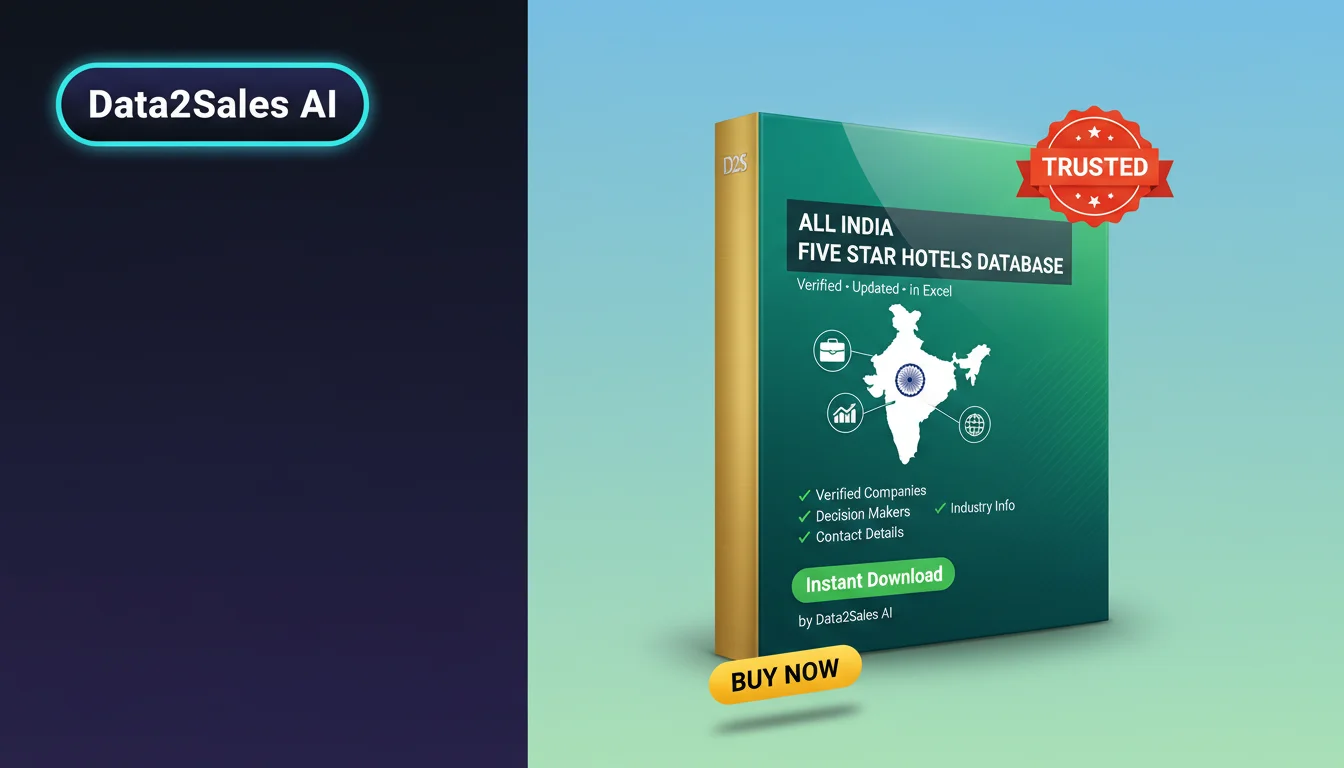
This Five Star Hotels list covers 658+ verified records operating in India. Every entry is compiled by the Data2Sales AI engine from multiple verified sources, de-duplicated against our master index, and refreshed each month — saving sales, marketing, and research teams the manual cleanup normally needed before outreach.
What's included in the CSV
The Extended tier delivers 22 columns per record: company name, phone, phone secondary, email, email secondary,
website, category, street address, city, state, postal code, country, latitude, longitude, Google rating, review count,
WhatsApp, Facebook, Instagram, LinkedIn, YouTube, and X (Twitter). The file is UTF-8 encoded and opens cleanly in
Excel, Google Sheets, and any standard CRM importer.
Buyers on the Data2Sales AI platform get a tighter loop: the built-in
LeadGenius CRM
module imports this CSV in one click, auto-maps every column to a lead record,
de-duplicates against your existing pipeline, and triggers
WhatsApp / voice and
email
sequences — reply, open, and conversion rates tracked end-to-end inside the
Data2Sales AI suite.
Who uses Five Star Hotels data in India?
- Sales teams building territory-specific outbound pipelines.
- Marketing agencies running local-SEO, paid-search, and WhatsApp campaigns.
- Market researchers benchmarking five star hotels density, pricing, and review sentiment.
- Logistics and distribution planners mapping coverage to real business footprints.
How is the data collected and kept current?
Every record is aggregated through the Data2Sales AI engine, which collects business
information from every public source available — directories, business registries, social profiles,
and company websites — then enriches every record with phone, email, WhatsApp, and social signals.
Invalid phone numbers, closed storefronts, and duplicate entries are removed automatically. The dataset
you download today reflects the current state of the five star hotels sector in
India — not a frozen snapshot from years ago.
Frequently asked questions
- How soon after purchase can I download the CSV?
- Within 30 seconds. The CSV is generated fresh from our live database at purchase time, so you always get the latest verified records — not a stale snapshot. You get 7 days of unlimited downloads via a secure link.
- Is the data legally usable for outreach?
- We include only publicly listed business contact information (company phone lines, work emails, business addresses). No personal consumer data is included. You remain responsible for complying with the marketing laws of the countries you contact.
- Can I get a sample before buying?
- Yes — a 20-row preview CSV is available on this page at no cost. It uses the exact same column structure as the paid version so you can confirm format compatibility with your CRM before purchase.
- What if I need a different region or industry slice?
- Contact support — we maintain Five Star Hotels records for every major city and state. Custom geographic or demographic slices are available on request and usually delivered within 24 hours.
How to import into your CRM
- Download the CSV from your purchases dashboard.
- Open LeadGenius CRM (or your CRM of choice) and choose "Import contacts".
- Map the CSV headers to your CRM fields — column names mirror industry-standard CRM schemas so most fields auto-map.
- Run your first segmented outreach: by state, city, Google rating, or review volume.